


Bible App for Kids
Life.Church
When I first opened Bible App for Kids, I immediately understood its main strength: it makes short Bible stories feel like something children can explore rather than something they are simply told to read. The app is free, aimed at Everyone, and developed by Life.Church. Its animated presentation is clearly designed for children and families, but I found that the best experience comes when an adult stays nearby and turns each story into a small conversation instead of treating the app as an electronic babysitter.
This is an education app built around animated stories about Jesus and other Bible narratives. It is not trying to replace a printed children’s Bible, a church lesson, or a parent’s explanation. Instead, it gives families a friendly starting point: choose a story, watch it together, let the child explore the interactive moments, and then talk about what happened. That simple workflow is why I can see the appeal behind its 4.3 average from around 384,000 ratings and more than 100 million installs.
How the everyday Bible App for Kids routine works
The most natural way to use the app is in short sessions. I would not approach it like a long-form video service where a child is expected to sit through a full block of entertainment. A better routine is to open it during a quiet moment, select one story, and allow enough time afterward for questions. The animation helps with attention, while the familiar narrative structure gives parents something concrete to discuss.
Related News

Finding Calm in Color: The Impact of Happy Color®: Color by Number

Football League 2026: The Ultimate Mobile Sports Revolution

How Google Earth Redefines Our Global Perspective
For a younger child, I would begin by watching together. That lets me notice which parts are easy to follow and which ideas need explanation. Children may understand that a character is helping, forgiving, trusting, or showing courage without fully understanding why those actions matter. Pausing naturally between scenes and asking, “What do you think happened there?” makes the app much more useful than simply pressing play and walking away.
For an older child who already knows some Bible stories, the app works differently. I would let the child take the lead, then ask what seemed familiar and what felt new. This avoids turning the experience into a quiz. The goal is not to test memory; it is to help the child connect the animated story with family conversations, church lessons, or a printed Bible.
Related News

Why WhatsApp Messenger Still Makes Everyday Communication Feel Easy

Jurassic World: The Game Is the Better Dino Tycoon for Strategic Players

Threads in Real Life: Who Should Join, Lurk, or Leave

How SHEIN Turned Shopping Into an Endless Content Feed

How to Make Fortnite Feel Smarter on Mobile

Should You Switch to Microsoft Outlook on Mobile?
One realistic use case is a short bedtime routine. A parent can choose a story before the child gets tired, watch it together, and finish with one question rather than trying to cover an entire lesson. Another is a waiting-room or travel situation where a child needs a calm activity. In that setting, the app is more purposeful than a random game, although I would still make sure the device is ready beforehand rather than relying on a new download or unfamiliar screen at the last minute.
The app’s biggest practical advantage is that it lowers the barrier to starting a conversation. A parent does not need to prepare a lesson plan or remember every detail of a story. The animation supplies the opening, and the adult supplies context. The strongest workflow is shared viewing followed by a real-world conversation, not unattended screen time.
What to check before handing over the device
I recommend opening the app yourself first, especially if your child is very young. Explore the story selection, watch enough of a few episodes to understand the tone, and see how your child responds to the interactive elements. This small preparation makes the session smoother and helps you decide which stories fit your family’s current interests or conversations.
Gallery
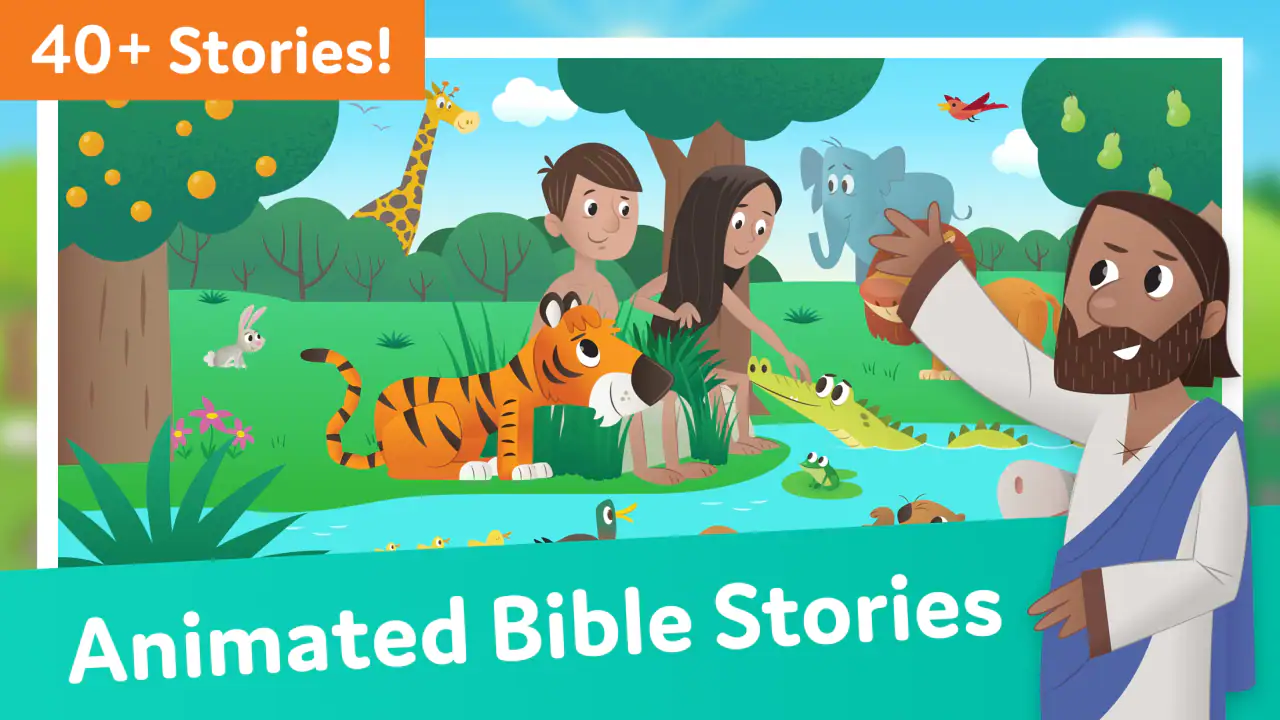
The app is rated for Everyone, which makes it broadly suitable for families, but an age label cannot tell you how a particular child will react to every scene or idea. Some children enjoy animated action and strong emotional moments; others may need a parent to explain what they are seeing. I would use the rating as a starting point, not as a substitute for supervision.
It is also worth checking the device’s general sound and screen settings before a child begins. If the volume is too high, the experience quickly becomes irritating. If the screen is too dim, animation loses some of its appeal. These are not special controls inside the app, but they matter in practice because the visual storytelling is central to how the lessons are delivered.
Families should also decide in advance how the app fits into their screen rules. Because the stories are inviting, a child may want to continue exploring after the original session ends. I found it easier to set a clear stopping point before opening the app than to negotiate the ending once the child is already absorbed. A simple rule such as one story followed by discussion is easier to repeat than an improvised limit.
Parents who want a more focused experience can connect the app to a specific theme. If a child is asking about kindness, courage, prayer, or helping others, choose a story that gives the conversation a direction. This is more effective than browsing aimlessly. The app becomes a tool for answering a child’s question instead of just another colorful activity.
Small habits that make sessions faster and calmer
Experienced use is less about discovering a secret button and more about removing unnecessary decisions. I would keep a short mental list of stories that worked well for your child, note which topics caused useful questions, and return to those stories when you have limited time. Repetition is not a weakness here. A child may notice a different character, action, or message on a second viewing, and a familiar story can make discussion less intimidating.
Another useful habit is to separate watching from explaining. During the animation, I would avoid interrupting every few seconds. Let the story establish its rhythm, then pause afterward to discuss the parts that mattered. Constant commentary can make a child feel as though there is a correct answer they must guess. Waiting until the end often produces more natural responses.
For a child who struggles to sit still, give the session a physical purpose. Ask the child to remember one character’s choice, one helpful action, or one question to share afterward. This turns passive viewing into a simple observation task without making the app feel like homework. It is especially useful when the child enjoys the animation but loses focus during adult explanations.
I also found value in using the app as a bridge rather than the final activity. After watching, a family might draw a scene, act out a kind response, read a related passage in a physical Bible, or discuss how the story connects to something that happened that day. These follow-up activities do not require special app features, but they prevent the digital presentation from becoming isolated entertainment.
If you are using it with more than one child, expect different reactions. One child may want to explore every interactive moment, while another may prefer listening and asking questions. Rather than forcing both children into the same pace, let the more interested child interact while the other contributes verbally. That approach keeps the session collaborative and reduces the feeling that the app belongs only to the child holding the device.
For quick use, I would prepare the environment first: charge the device, choose a comfortable place, and decide whether the session is for a story, a question, or a repeat viewing. The app itself is straightforward enough for children to approach, but the adult’s preparation determines whether the experience feels peaceful or scattered.
Where the app is genuinely strong
The animation is the obvious attraction, yet its deeper value is accessibility. A child who finds long blocks of text difficult can still follow a story through movement, characters, and visual cues. That makes the app a helpful introduction for families who want Bible content presented in a less intimidating format. It can also support children who learn better when they see events unfold instead of reading about them first.
The family focus is another strength. I did not see it as an app that requires a parent to become a technical guide. Once the child understands the basic interaction, the adult can concentrate on the conversation. That balance is important: the child gets a sense of independence, while the parent remains part of the learning process.
Its free price also changes who can realistically try it. Families do not have to make a purchase decision before finding out whether the visual style suits their child. The app has been available since November 27, 2013, and its current version is 3.2.0, so it is not a brand-new experiment. It supports Android 7.0 and later, which is useful for households using an older compatible device rather than a recent phone or tablet.
Compared with a printed children’s Bible, this app is more immediately engaging and easier to use when a child is not yet comfortable reading independently. The printed book is better for slowing down, comparing passages, and building a lasting reading habit. Compared with a general video platform, the app is more focused and less dependent on a parent searching for suitable material, but it is also less flexible if you want a specific interpretation, translation, or long-form lesson.
Compared with a traditional church lesson, it offers convenience and visual reinforcement but cannot respond to a child’s questions. A teacher or parent can adjust an explanation instantly; an app cannot know whether a child is confused, worried, or making an important connection. I would use Bible App for Kids as preparation, reinforcement, or a gentle introduction, not as the only source of religious education.
Limits that matter for experienced families
The same simplicity that makes the app approachable can feel limiting after repeated use. Children who want a deep reading experience, detailed background, or more advanced study will eventually need another resource. The animated format presents a child-friendly version of events, so older children and adults may want to move from the app to a full Bible or a discussion with a trusted teacher.
It is also not the right choice for every family’s preferred approach. Some parents want to begin with text, silence, and independent reading rather than animation. Others may prefer a resource arranged by a formal curriculum, denomination, or lesson sequence. This app is strongest when you want an inviting visual entry point; it is weaker when you need structured progression or detailed control over teaching content.
Another limitation is the risk of confusing familiarity with understanding. A child may remember the characters and actions without grasping the meaning behind them. That is why I would avoid assuming that a completed story equals a completed lesson. Ask what the child noticed, what seemed difficult, and how the story might relate to everyday behavior. Those questions reveal whether the app actually helped.
Parents should also be realistic about attention. The app can make Bible stories easier to approach, but it cannot guarantee that a tired, distracted, or uninterested child will engage. If a session becomes a struggle, stopping is often better than turning it into a battle. Returning another day preserves the positive association.
Finally, families looking for a broad educational app should not choose this one expecting general reading practice, mathematics, science content, or an open-ended creative toolkit. Its purpose is specific: animated Bible learning for children and families. That focus is a benefit when it matches your goal and a drawback when you need a wider curriculum.
My verdict after building a repeatable routine
After using it as a shared family activity rather than a background video player, I came away with a favorable impression. Bible App for Kids succeeds because it makes the first step easy. A child can approach a story visually, a parent can join without extensive preparation, and the family has an obvious subject to discuss afterward.
I would recommend it to parents, grandparents, and caregivers who want a gentle way to introduce Bible stories to young children. It is particularly useful when a child responds better to animation than to a page of text, or when an adult wants a short activity that can lead into a meaningful conversation. The free access and Everyone rating make trying it uncomplicated, while the large community of users suggests that it has become a familiar option for many families.
I would skip it if your priority is advanced Bible study, a formal lesson plan, independent reading practice, or complete control over the order and depth of instruction. In those situations, a printed Bible, a curriculum resource, or a more detailed study tool will serve you better. I would also avoid presenting it as a replacement for family involvement, because its best qualities appear only when someone helps the child connect the story with real life.
My practical recommendation is to establish one repeatable habit: choose a story, watch without over-interrupting, ask one open question, and stop while the experience still feels positive. Revisit stories when a child shows interest, and use a different resource when the questions become more advanced than the animation can answer. Used that way, Bible App for Kids is a useful doorway into family learning, not a substitute for the conversation that gives the learning meaning.
FAQs for Bible App for Kids
What features does the Bible App for Kids offer?
The Bible App for Kids offers interactive Bible stories, animated videos, and engaging activities designed to make learning about the Bible fun for children. It includes colorful graphics and audio narration to help kids understand the stories better. Additionally, it provides quizzes to reinforce learning and rewards to keep children motivated.
Is the Bible App for Kids safe for my child to use?
Yes, the Bible App for Kids is designed with child safety in mind. It features a user-friendly interface that is easy for children to navigate on their own. The content is age-appropriate, and there are no ads or in-app purchases that could lead to accidental spending, ensuring a safe environment for children.
Can the Bible App for Kids be used offline?
Yes, the Bible App for Kids allows you to download stories and activities for offline use. This feature is particularly useful for keeping children engaged during travel or in areas with limited internet connectivity, ensuring uninterrupted access to the educational content wherever you are.
What age group is the Bible App for Kids suitable for?
The Bible App for Kids is primarily designed for children aged 4 to 10. Its interactive features and engaging content cater to this age group, making it an effective tool for introducing young children to biblical stories and concepts in a way that is both entertaining and educational.
Is the Bible App for Kids available in multiple languages?
Yes, the Bible App for Kids is available in multiple languages, making it accessible to a diverse global audience. This feature allows children from different linguistic backgrounds to enjoy and learn from the app, helping to spread its educational benefits across various cultures and regions.
Pros
- Engaging animations keep children interested.
- Interactive stories enhance learning experience.
- Available in multiple languages.
- User-friendly interface for kids.
- Offline access to stories.
Cons
- Limited content for older children.
- Requires parental assistance for navigation.
- Frequent updates may be needed.
- Some animations may drain battery.
- Ads can be distracting at times.


